P1 B: Content
Facebook
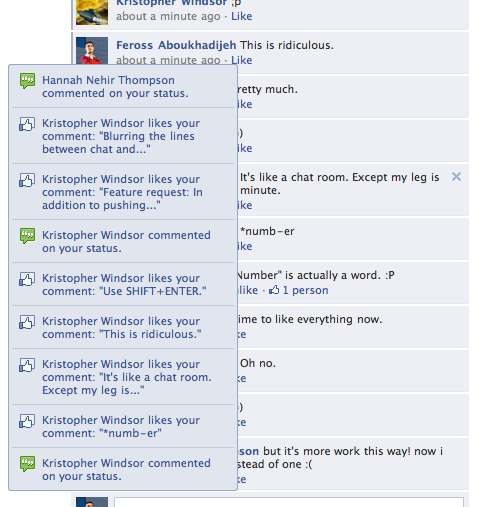
Facebook’s content consists of various ways in which you can
connect with others online. For instance, users are able to share their own
posts with friends, which can consist of text and images of their choice.
Others who are ‘friends’ are then able to ‘like’, ‘react’ or comment on their
post, also being given the option to ‘share’ this post on their own timeline
for others to see. There is no maximum amount of friends who you are allowed to
have through Facebook, although once a request has been sent, the person would
then have to ‘accept’ you, in order for you to interact and see each other’s
posts.


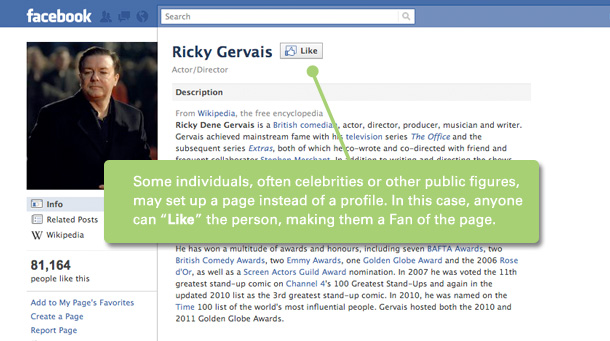
Business and celebrity pages can also be made through Facebook
accounts, which allows companies to publicise products and be more open to the
public eye. This may further the success of many business’ and companies, as
pages can be shared for thousands of people across the world to see.

Facebook provides games through their site for users to play
either themselves, or by sending a request, they can do this through
interaction with others. Once a request has been sent, the other person can
then decide whether they wish to accept and play, or decline the offer.


Another way in which people can interact through Facebook, is
by sharing videos which have become ‘popular’ in the public eye. This means
that if a video has been uploaded, it may have been shared by thousands of
people worldwide, and has gained thousands of views as a result. This can bring
people together as a result, due to the idea that people are able to comment
back to each other with perhaps their opinion on the video, and are interacting
as a result.
The USP
Below are some of the traits which present how Facebook
differs to other social media accounts.
Facebook uses emotional bonding to help people stay connected
over Facebook with their friends, colleagues, customers, potential customers
and fans.
The ‘Like’ feature has made Facebook more engaging, although
other social media accounts have now taken this idea also, such as Instagram.

Twitter
Through social networking service Twitter, users are able to
post and interact through messages which are known as ‘tweets’ for each of
their ‘followers’ to view. Such posts are restricted to 40 characters, meaning
they are only allowed to write a certain amount of information per tweet they
share. It is also a requirement to be registered to Twitter before being able
to share tweets, as this is unnecessary otherwise.

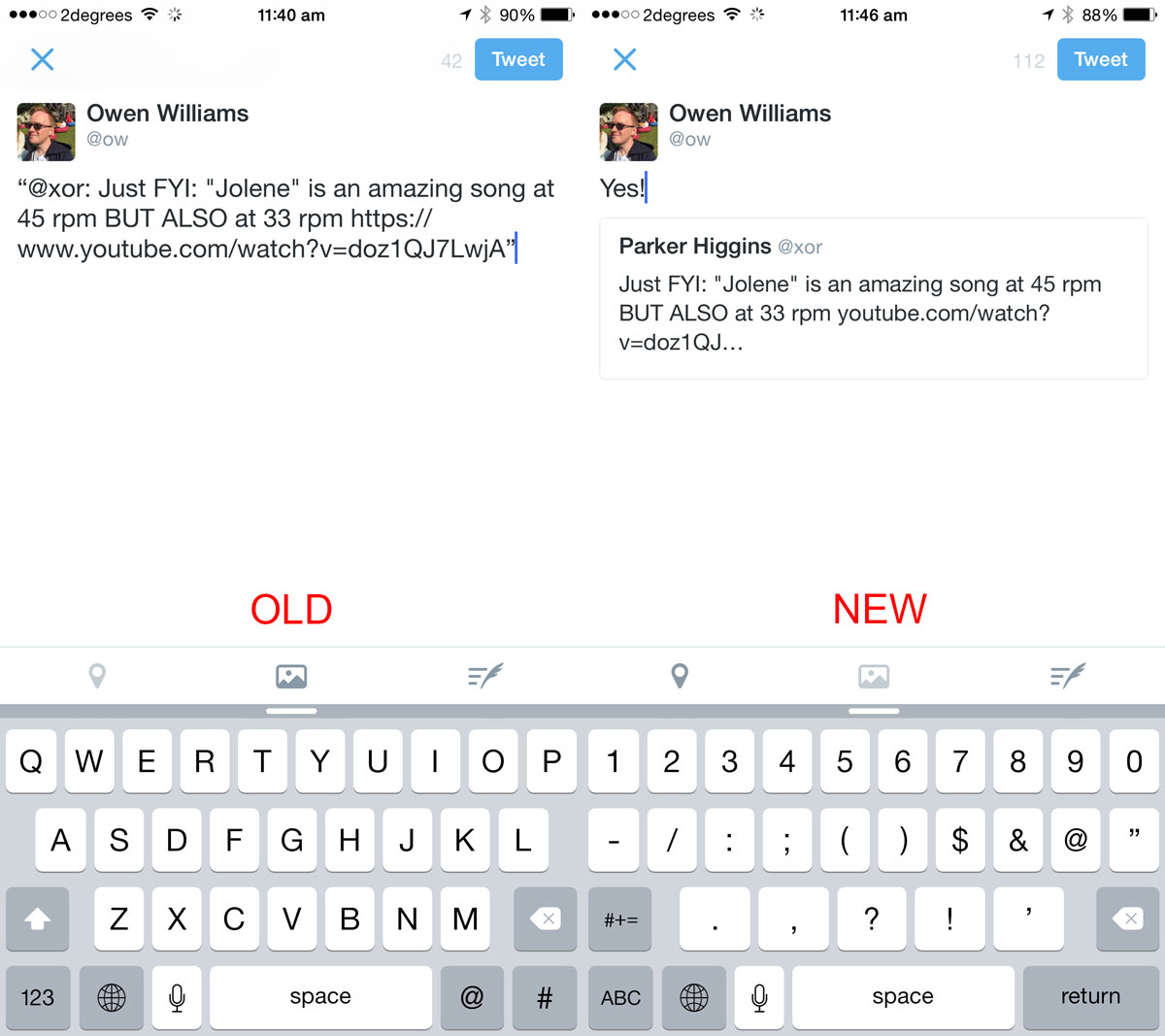
Hashtags are used through Twitter, as a way for users to group
together a topic or type of such information or headlines. A hashtag is done
using the # sign, whereas the @ sign is used and followed by a username, for
mentioning or replying to others in a tweet. To repost a message from another
Twitter user and share it with one’s own followers, a user can click the
‘retweet’ button within the tweet.

A phrase, word or topic that is mentioned at a greater rate
than others is said to be a “trending topic”. Trending topics become popular
either through a concerted effort by users, or because of an event that prompts
people to talk about a specific topic. These topics help Twitter and their
users to understand what is happening in the world and what people’s opinions
are about it.

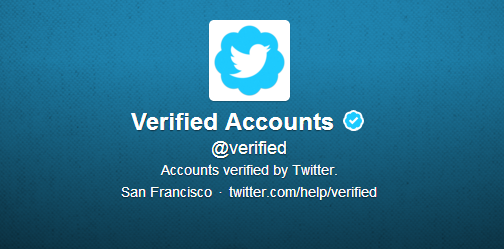
A verified Twitter account formally validates the identity of
the person or company that owns the account- the aim of the ‘verified’ status
is to prove that a real world person or company is not being impersonated
through the placement of a small, blue checkmark by the top right corner of a
user’s page, or next to the username in the platform’s Search function.

The USP
Twitter is seen to differ with various other social media
accounts due to a crucial design choice Twitter made of limiting the word count
in any messages shared very strictly. This simplifies texting and focuses the
whole world to think in 140 characters. This choice helps Twitter’s feed to
appear more clean.

Instagram
Through Instagram, users are able to upload a standard photo
and apply a digital layer which can give it the appearance of professional editing.
Some filters enhance the colours in a photo, whilst others can dull the light
to a soft glow for an aged, vintage appearance. In order to use Instagram, you
are requested to sign up and make your own account. This way, the photos you
are uploaded will be under your account name, meaning you will automatically
hold a Copyright law for your images. As Instagram is a social app, it is
essential that you connect to other social accounts in order to get the most
out of the experience. This way each time you upload a photo to Instagram, you’ll
have the option to share to each of the social networks you’ve enabled, or to
none. If you choose to share to none, the photo will only post to Instagram,
being viewable to only the users who are following you on the app.


The main reason that people use Instagram is to share photos
online. Once you have chosen a photo to upload, you are then able to choose
from 17 famous Instagram filters which add different pre-determined layers to
your photos, and give the effect that you’ve altered or professionally edited
them. Many filters add “vintage” effects, which have certainly pleased many a
hipster.
Whilst sharing your photos on Instagram, people are able to “like”
or comment on your post, meaning you are able to interact with your followers
in a public way. There is also the choice to use direct messages which
alternatively hide your messages from the public so that you can talk to others
in a more private way.
The USP
Instagram’s unique selling point is viewed by some people to
be the fact that it holds so much creativity through a photo sharing platform.
For instance, while a status update on Twitter or Facebook can be constantly
shared by many people, this can become boring and so Instagram is given the
effect of being shown as a more original social
media account.
Source: http://www.investopedia.com/articles/markets/100215/twitter-vs-facebook-vs-instagram-who-target-audience.asp
media account.
Source: http://www.investopedia.com/articles/markets/100215/twitter-vs-facebook-vs-instagram-who-target-audience.asp

No comments:
Post a Comment